
Every cabinet wired right, whatever the configuration.
Control cabinets and electrical assemblies are often built to order: a different layout, different components and different wiring for every unit. Arkite projects the exact position of each component and each connection, checks the step at the workstation and records the result per cabinet.
What we hear from panel builders and electrical equipment manufacturers.
No two cabinets are the same. Every order has its own layout and wiring diagram.
Build to order
Operators spend more time reading drawings and wiring lists than wiring.
Paper drawings
A swapped wire or a component in the wrong slot only shows up at the final test.
Late error detection
Experienced panel builders are hard to find, and new staff need months before they work alone.
Skilled labour
Four challenges in cabinet and panel building, and what changes with Arkite.
- 01
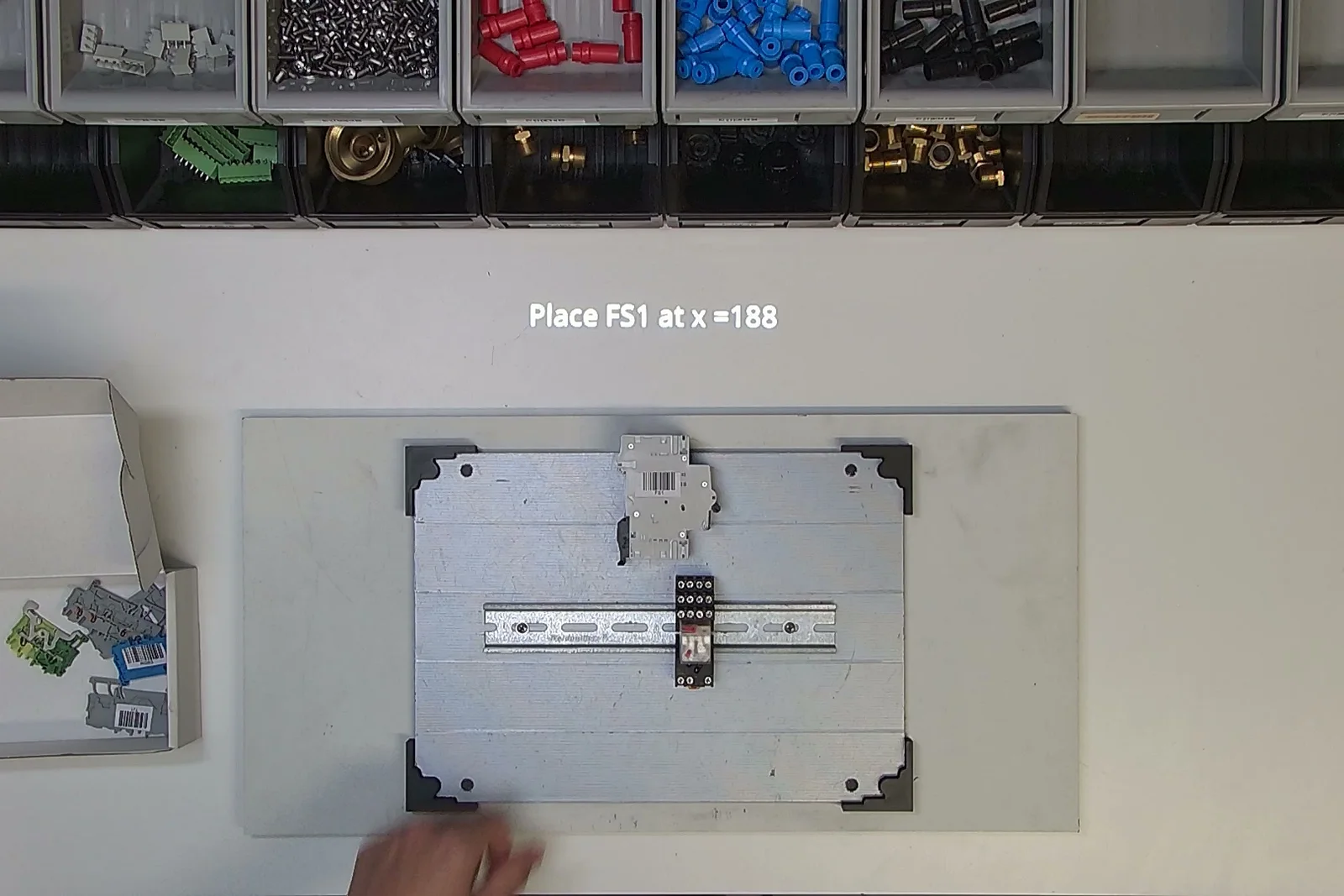
The exact position of every component, projected on the rail.
- Today
- The operator translates the layout drawing into positions on the mounting plate, component by component.
- With Arkite
- Arkite projects where each component goes, with its designation and position. When the layout comes from an external configurator or ERP, the positions are sent through the API, so every order gets its own guidance.
 02
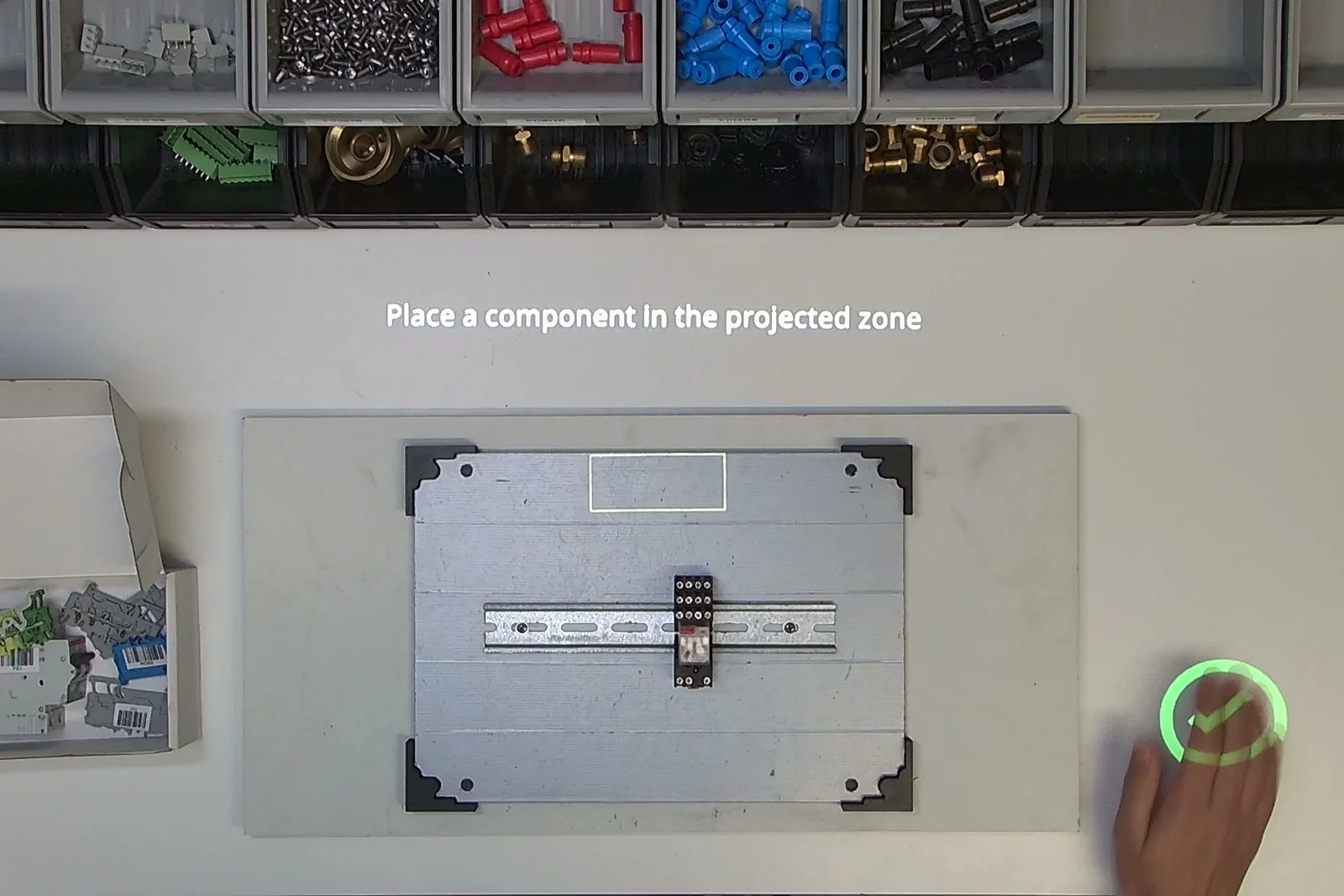
02Every component checked before the next step.
- Today
- A component in the wrong slot or a missing part is found at the final test, or at the customer.
- With Arkite
- The 3D sensor confirms that the component was placed in the projected zone. A component that is not part of the configuration gives a warning, and the next step only starts after the correct action.
 03
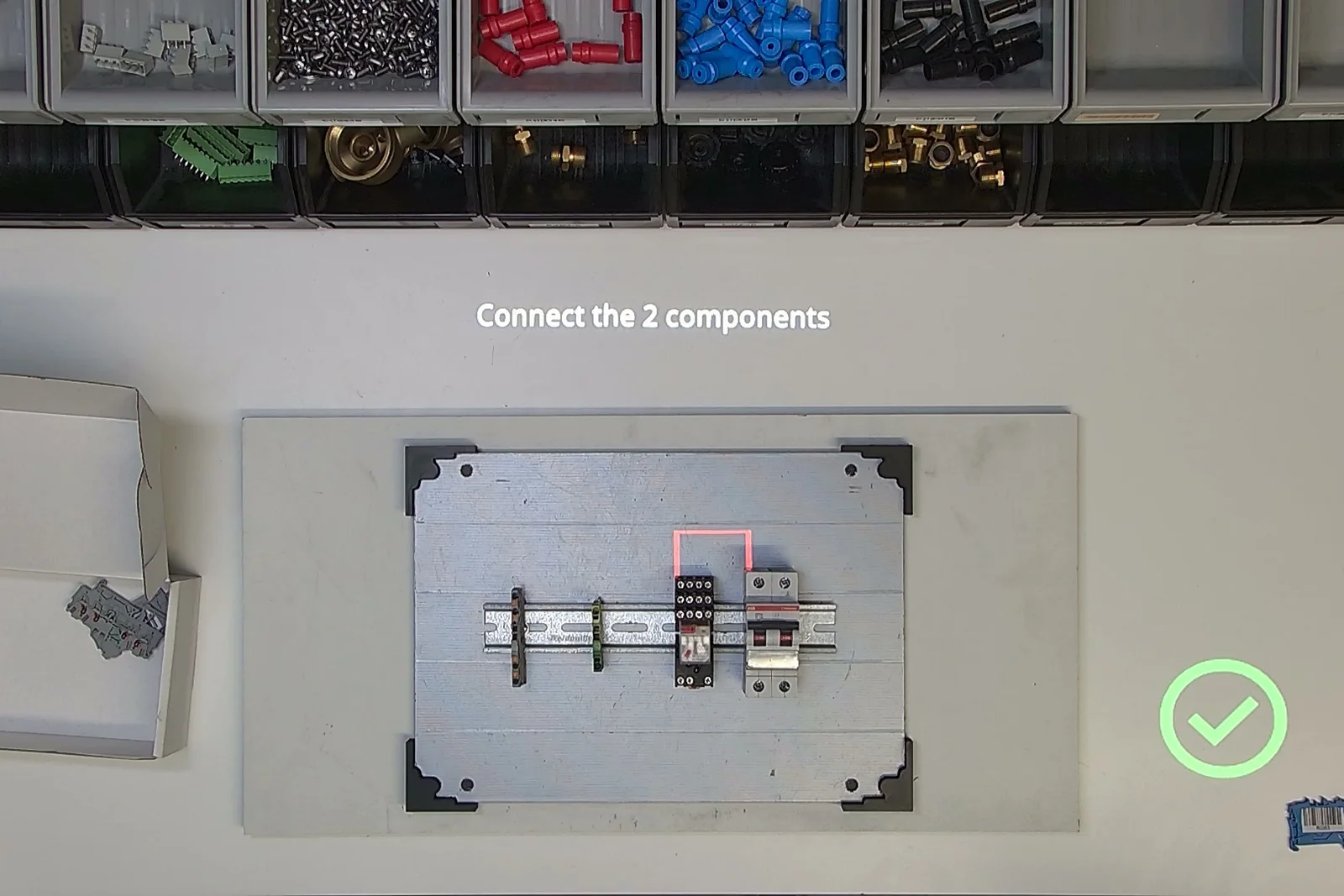
03One connection at a time, highlighted on the cabinet.
- Today
- Wiring lists are long, and one swapped connection takes hours to find.
- With Arkite
- Arkite highlights the two terminals to connect, with the wire designation on the screen. The operator confirms each connection, so no wire is skipped and the order is the same on every cabinet.
 04
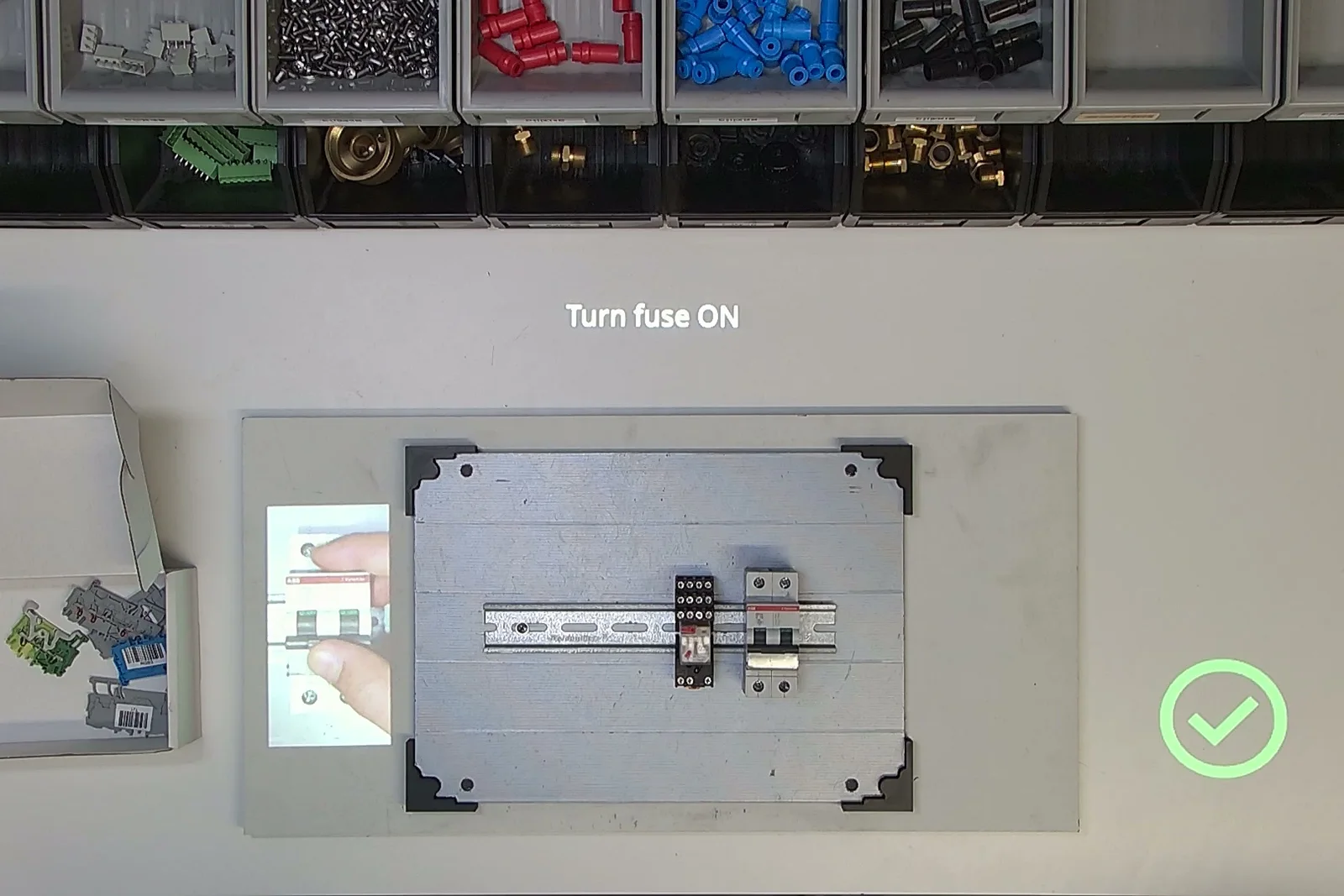
04A complete record for every cabinet.
- Today
- Test and inspection results are kept on paper, separate from the cabinet they belong to.
- With Arkite
- Arkite logs each placement, connection and check with time and result per serial number. Terminal screws tightened with a connected smart tool are recorded with their torque value, and labels can be printed at the station.
The topics that matter, and what Arkite does for each.
- Panel building
The assembly and wiring of control cabinets and switchboards. Arkite guides mounting, wiring and checks at the workstation.
- DIN rail mounting
Components such as breakers, relays and terminal blocks are mounted on a standard rail. Arkite projects the position of each one.
- Wiring diagram
The connections between components. Arkite turns it into one connection per step, highlighted on the cabinet.
- Engineer-to-orderETO
Every cabinet is designed for a specific order. Positions and steps can come from the configurator or ERP through the API.
- Cabinet traceability
Every step, check and torque value is stored per serial number, as evidence for the final test and for the customer.
Where cabinet and panel builders use Arkite
Cabling and wiring
Guided routing and connection of wires and harnesses per configuration.
Assembly
Component mounting on rails and mounting plates, with positions per order.
Tightening
Terminal screws tightened with a connected smart tool, torque recorded per unit.
Quality inspection
Presence, position and orientation of components checked with Arkite VISION.
Questions from cabinet and panel builders
Can Arkite use the layout from our configurator or ERP?
Yes. An external system can send the components and their positions for each order through the API. Arkite turns them into the steps for that cabinet, so there is no need to create a separate job for every configuration.
How does Arkite check that a component is in the right place?
With Arkite VALIDATE, the 3D sensor confirms the placement in the projected zone. With Arkite VISION, a vision sensor can also check the presence, position and orientation of components on the plate.
Can we start with one wiring station?
Yes. Most projects start with a pilot workstation. Projects are stored on the central Arkite server, so a proven job can then be rolled out to other stations and sites.
Discuss your cabinet or panel line
Bring a cabinet with many variants or a wiring step that causes errors. We will show how Arkite would guide, check and record it.
- A specialist replies to you personally
- We look at your process, products and systems
- Together we define a first pilot workstation