Presence of small parts
Components from 0.5 cm, such as washers, clips and screws.
Arkite VISION adds a Vision sensor to the workstation and checks the product before the next step starts. A deviation is shown on the workbench immediately, together with the instruction to correct it.
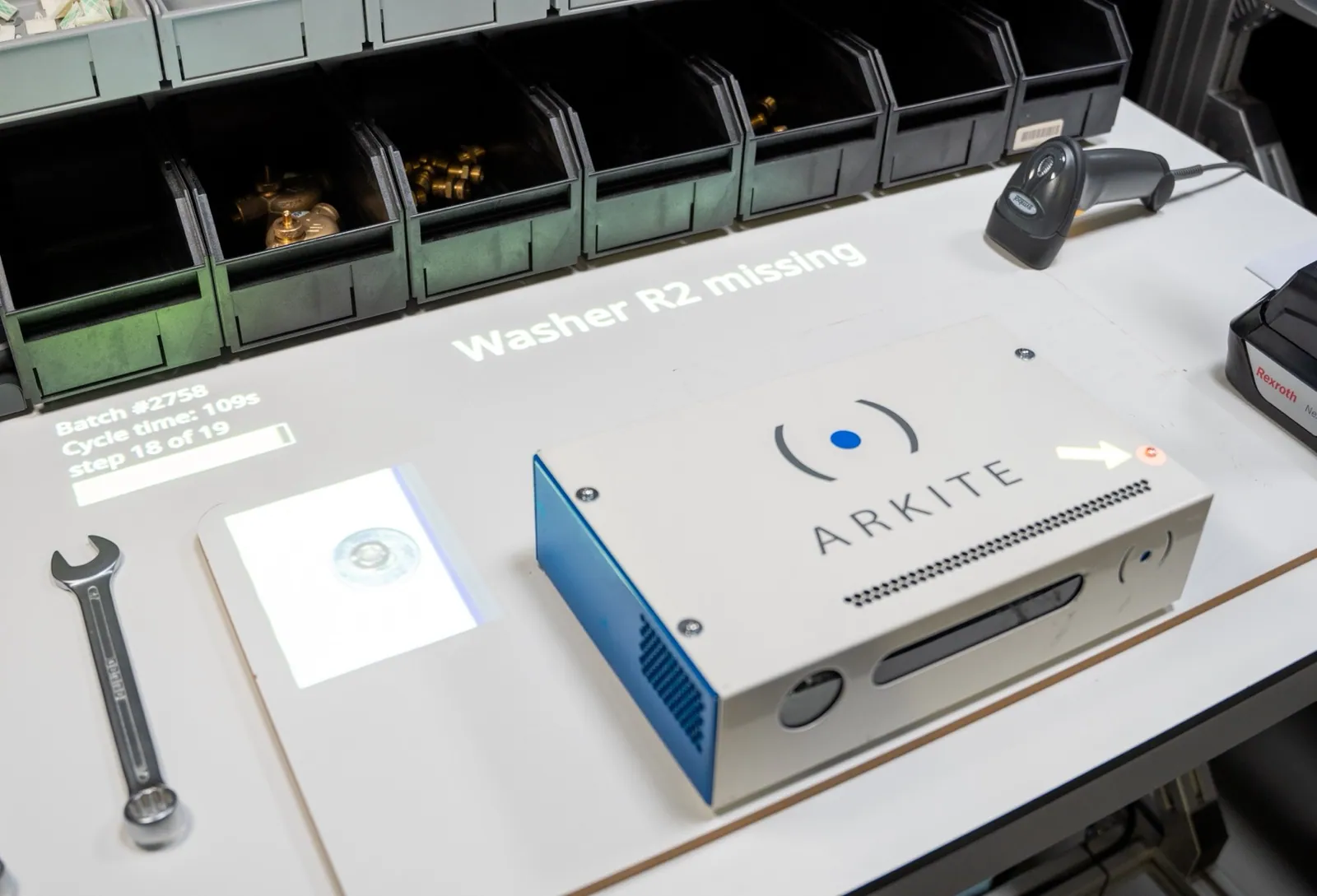
End-of-line inspection finds defects after the value has been added. A missing washer or a part mounted the wrong way round then means disassembly, rework or scrap.
Arkite VISION is the third maturity level of the platform. It builds on Arkite VALIDATE, which confirms what the operator does, and adds inspection of what the product looks like at each critical step.
Components from 0.5 cm, such as washers, clips and screws.
Correct orientation of parts, including symmetric parts such as gears.
Placement within a configurable tolerance in X and Y.
Multiple result classes per check, each with its own rework path.
Shapes that vary by nature, such as bent cables or glue dots.
Product images can be stored with the unit record when configured.
Engineers teach good, bad and missing examples in the Arkite software, without programming.
After the relevant step, the Vision sensor, mounted 0.5 to 2 m above the product, checks the result before the workflow continues.
If a check fails, the location is highlighted on the product and the operator receives a specific rework instruction.
The result is logged against the order and serial number, optionally with a product snapshot.
Arkite VISION uses AI detection algorithms for reliable and consistent results.
The algorithms are included in the Arkite VISION license and run locally on the workstation. No internet connection is required, and no product images leave your network.
AI also supports the engineer: with the optional AI job generation, inspection steps can be part of a job generated from a written description, which the engineer reviews and finalizes. See Arkite AI for data handling and licensing.
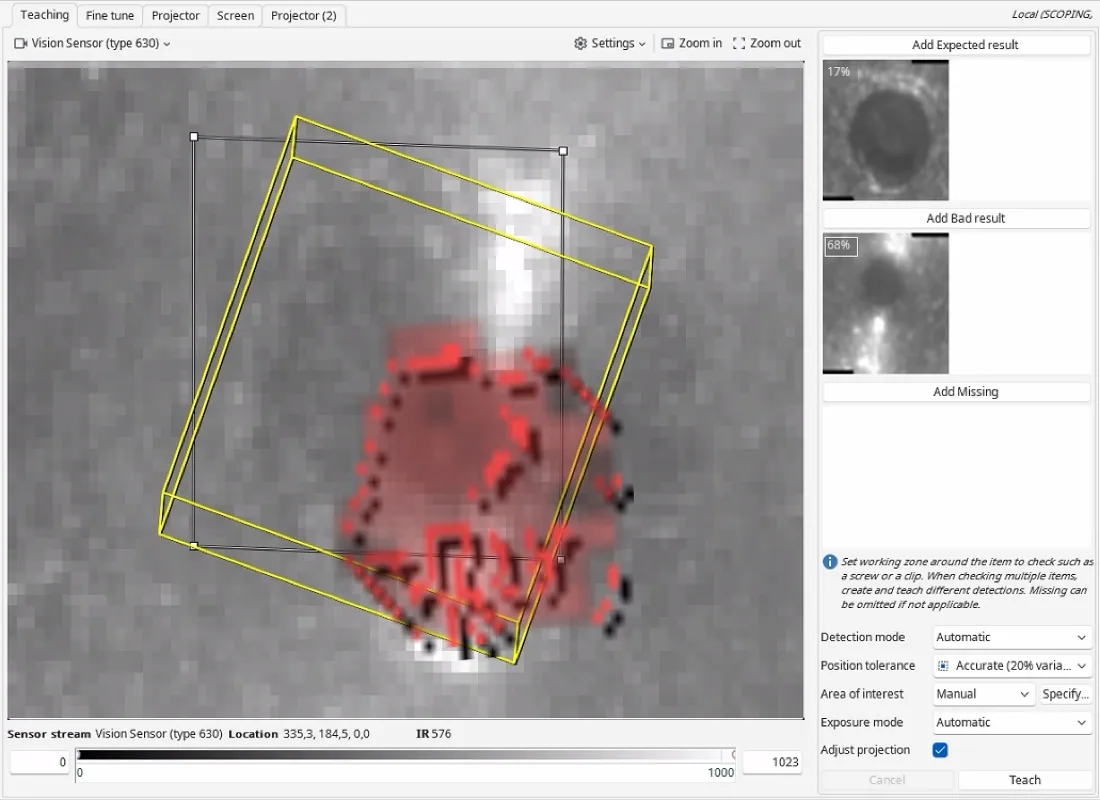
Bring a sample of the components you need to check to the demonstration.
Your privacy choices
We use analytics to understand how the website is used and to measure the results of our campaigns on LinkedIn, Google, Microsoft and Meta. Statistics and conversions run through our own server. To show our ads to earlier visitors, tags from Google, Microsoft and LinkedIn are loaded in your browser. Embedded calendars, webinar forms and videos come from their providers and may set their own cookies. See our privacy notice.