Webinars

Live webinars on manual assembly.

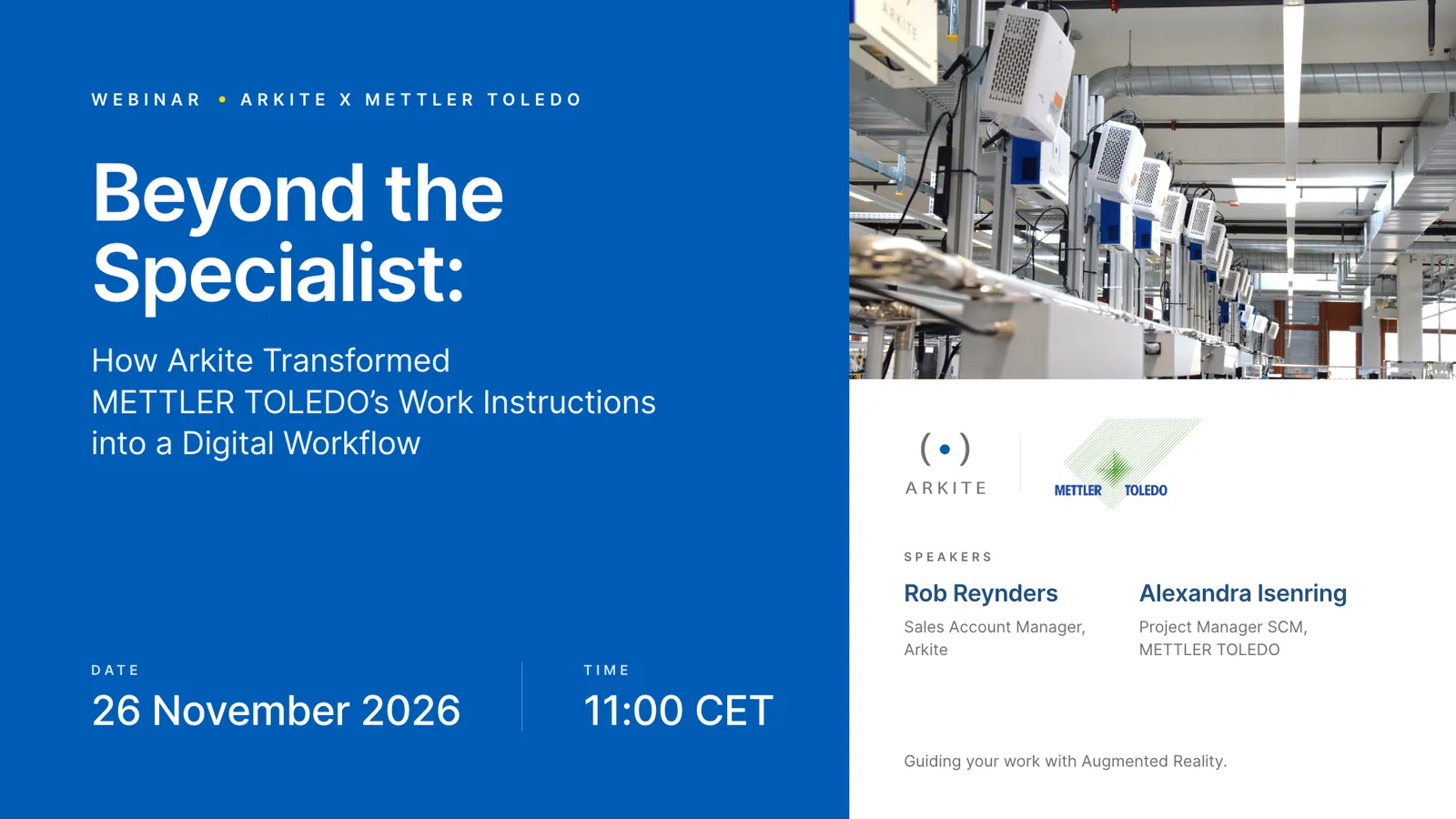
Next webinar: Beyond the Specialist, with METTLER TOLEDO, on 26 November 2026 at 11:00 CET. How METTLER TOLEDO moved its manual assembly from paper work instructions to digital operator guidance. Further down: the release webinars held so far.

Webinar Arkite x METTLER TOLEDO, Beyond the Specialist, 26 November 2026 at 11:00 CET
Past webinars

Release webinars held so far.

Arkite releases new software versions regularly, named by year: 2025.1, 2026.1, 2026.2. Each release webinar is aimed at the people who build and run Arkite projects: process engineers, manufacturing engineers, quality engineers and integration specialists at customers and certified partners.

Sessions are held live, usually twice on the same day to cover European, Asian and American time zones. Recordings and release notes are made available afterwards on the Arkite customer portal.

Past webinar · Release 2026.2

AI job generation and a new generation of detections.

Technical webinar on release day, Thursday 8 October 2026. Two identical 60-minute sessions at 10:00 and 16:00 CEST. AI highlights: AI job generation for engineers and AI detection algorithms for Arkite VISION, explained in detail on the Arkite AI page.

Engineering

AI job generation

Based on a written description of the assembly, the software generates the job, job options, materials, detections and job steps. The engineer then reviews and finalizes the result. Optional integration with OpenAI or Anthropic, using the customer's own key.

Arkite VISION

AI detections

AI detection algorithms for the Arkite Vision sensor give reliable, stable results, even when the sensor shifts slightly. Included in the Arkite VISION license, run locally, no internet connection required.

Inspection

Color-based quality checks

The Arkite RGB sensor adds color-based checks as an addition to infrared inspection, for cases where color is decisive.

Documentation

PDF export of complete jobs

A complete job exported as one document, per variant and per language, for documentation and audits.

Workstation

Workstation control

Screen button shortcuts, new system command options and improved automatic projections, including circular and elliptical detection zones.

Integration

Connectivity and roles

HTTP response headers, dynamic Modbus TCP addressing and two new user roles.

Past webinar · Release 2026.1

Detection, traceability and engineering efficiency.

Technical webinar on Thursday 23 April 2026. Two 30-minute live sessions at 10:00 and 17:00 CEST, each with Q&A.

Detection

Barcode, QR and text reading

Camera-based detection of barcodes, QR codes, Data Matrix codes and text through OCR, with workflow branching based on the result.

Hardware

Arkite RGB sensor

Introduction of the Arkite RGB sensor setup and its positioning next to the Arkite 3D sensor and Vision sensor.

Validation

Validation robustness

Improvements to validation robustness and workflow flexibility on Arkite VALIDATE and Arkite VISION workstations.

Compliance

Audit logging

Full audit logging of changes to projects and settings, with user, timestamp and previous and new values, for traceability and compliance use cases.

Enablement

Arkite Academy

Introduction of Arkite Academy, the online training platform for customers and partners, with hands-on modules on setup, software and connectivity.

Past webinar · Release 2025.1

Smarter tasks, translations and visuals.

Release webinar for the 2025.1 software version, held in English with a separate French-language session.

Engineering

Smarter tasks

Improvements to how engineers structure and manage jobs and steps in the no-code workflow engine.

Operators

Smarter translations

Faster handling of multi-language projects, so instructions reach operators in their own language.

Workstation

Smarter visuals

Improvements to projections and operator screen visualizations at the workstation.

Q&A

Questions engineers raise in release sessions.

  • Is an AI connection needed during production? No, only during engineering.
  • Can AI job generation work in local languages? Yes, and texts can be translated automatically.
  • How is product data handled with AI features? AI job generation and translation are optional, disabled by default and use the customer's own OpenAI or Anthropic key. Arkite VISION AI detections run locally.
  • Can detections be reused on a second, identical workstation? Yes, data can be copied when the project is opened there.
  • Do AI detections still check part orientation? Yes, with somewhat more tolerance than shape-based detection.
  • Is there a limit on the number of languages? No.
Partners

Separate sessions for certified partners.

Certified Arkite partners receive an additional commercial release session covering positioning of new features, partner portal updates and sales enablement. Partners can register through the Arkite partner portal.

Join the next release session.

Leave your details to be invited to the next Arkite technical webinar, or book a demo to see the current release on your own process.