Guided confirmation
Projected instructions with operator confirmation by touch screen, virtual button, hardware button or foot pedal.
Manual steps are where most variation enters the product. Arkite validates operator actions, inspects the product during assembly and records every step against the order and serial number.
We find the defect at end of line, after all the value has been added.
Late detection
Every root cause analysis ends with “operator error”, and nothing changes.
Root cause
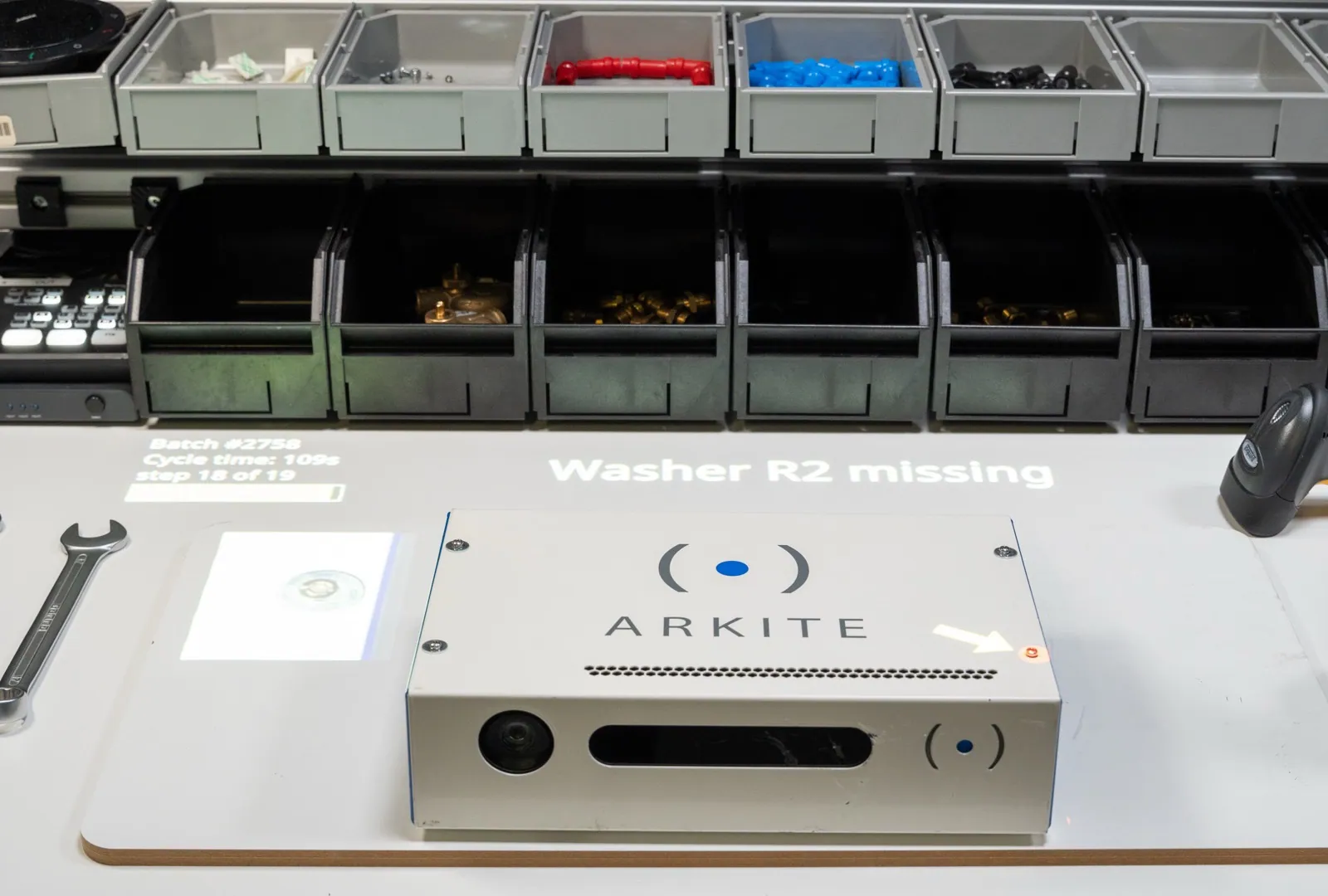
A missing washer is impossible to see once the product is closed.
Hidden defects
When a customer complains, I cannot prove what happened to that unit.
Traceability
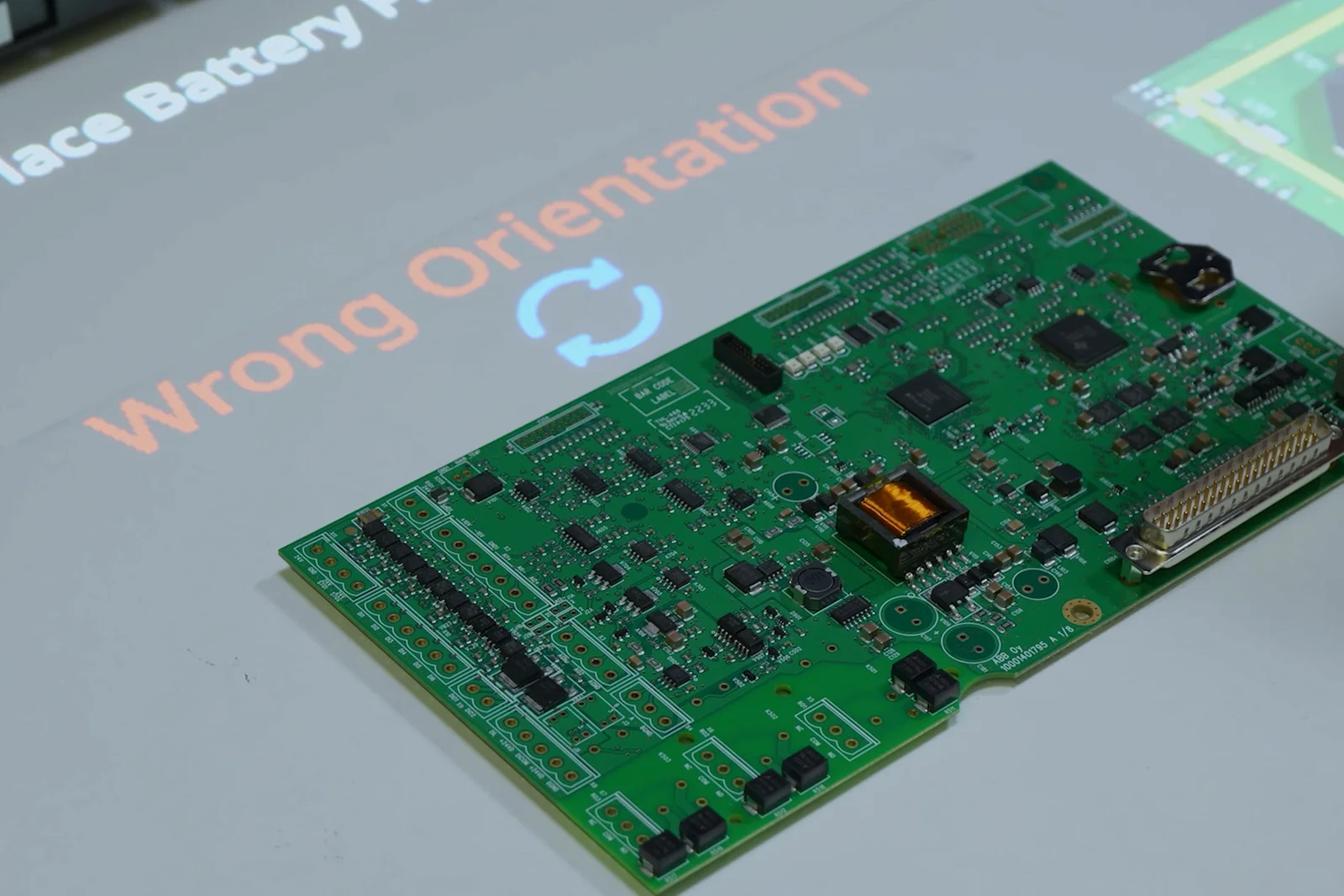
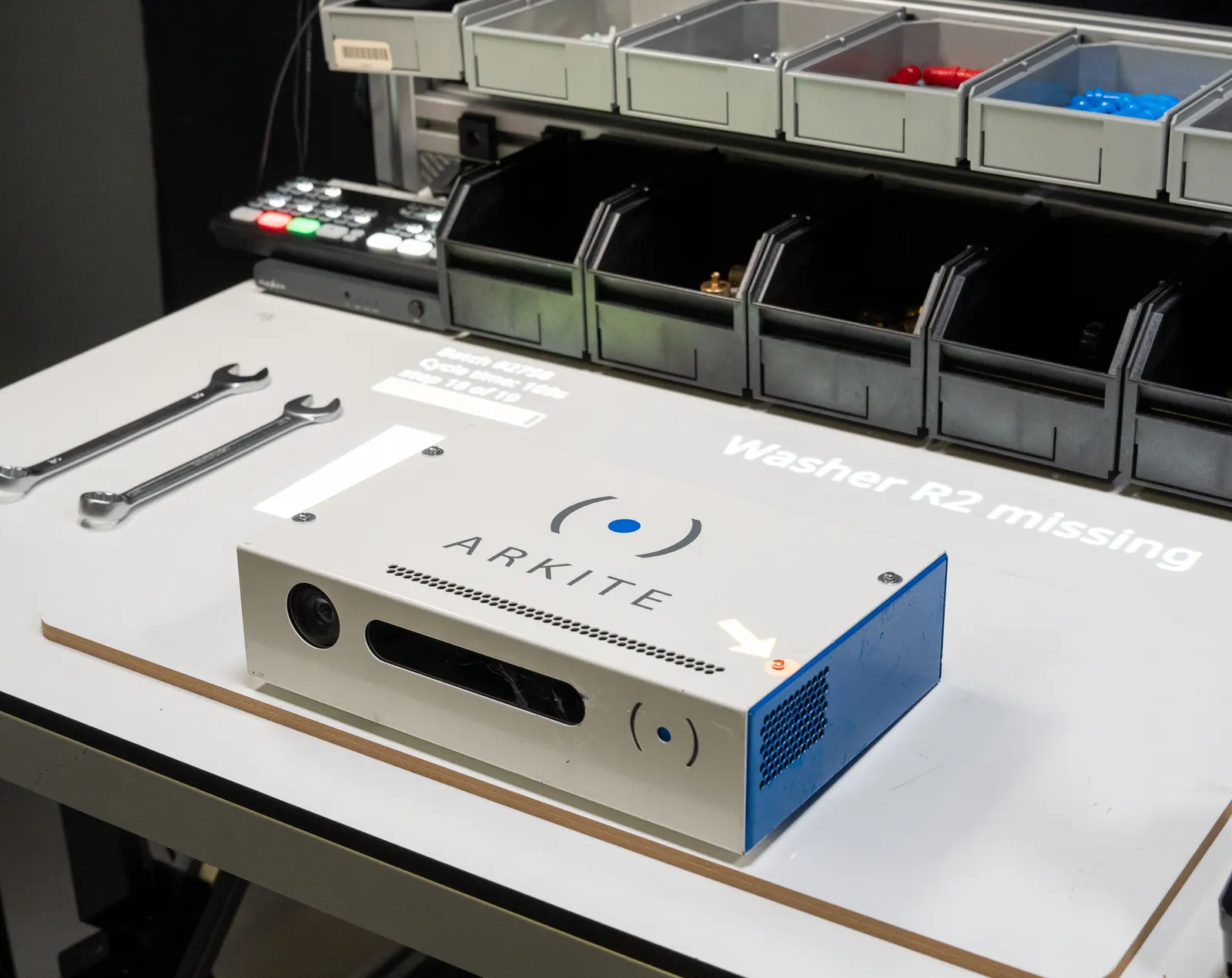
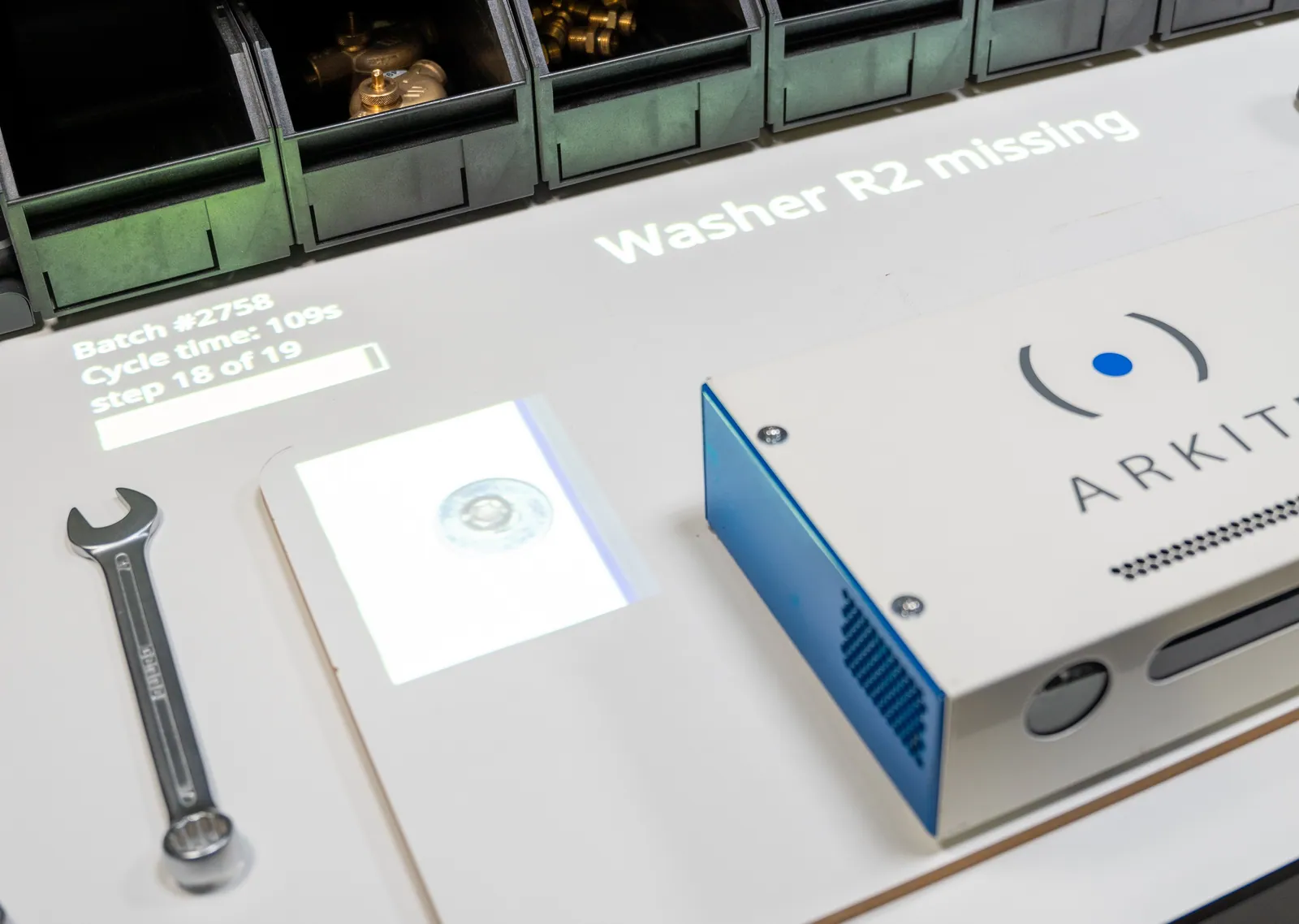
Errors are stopped at the step where they happen.
Corrections happen before value is added on top.
Fewer escapes reach the customer.
More units right the first time.
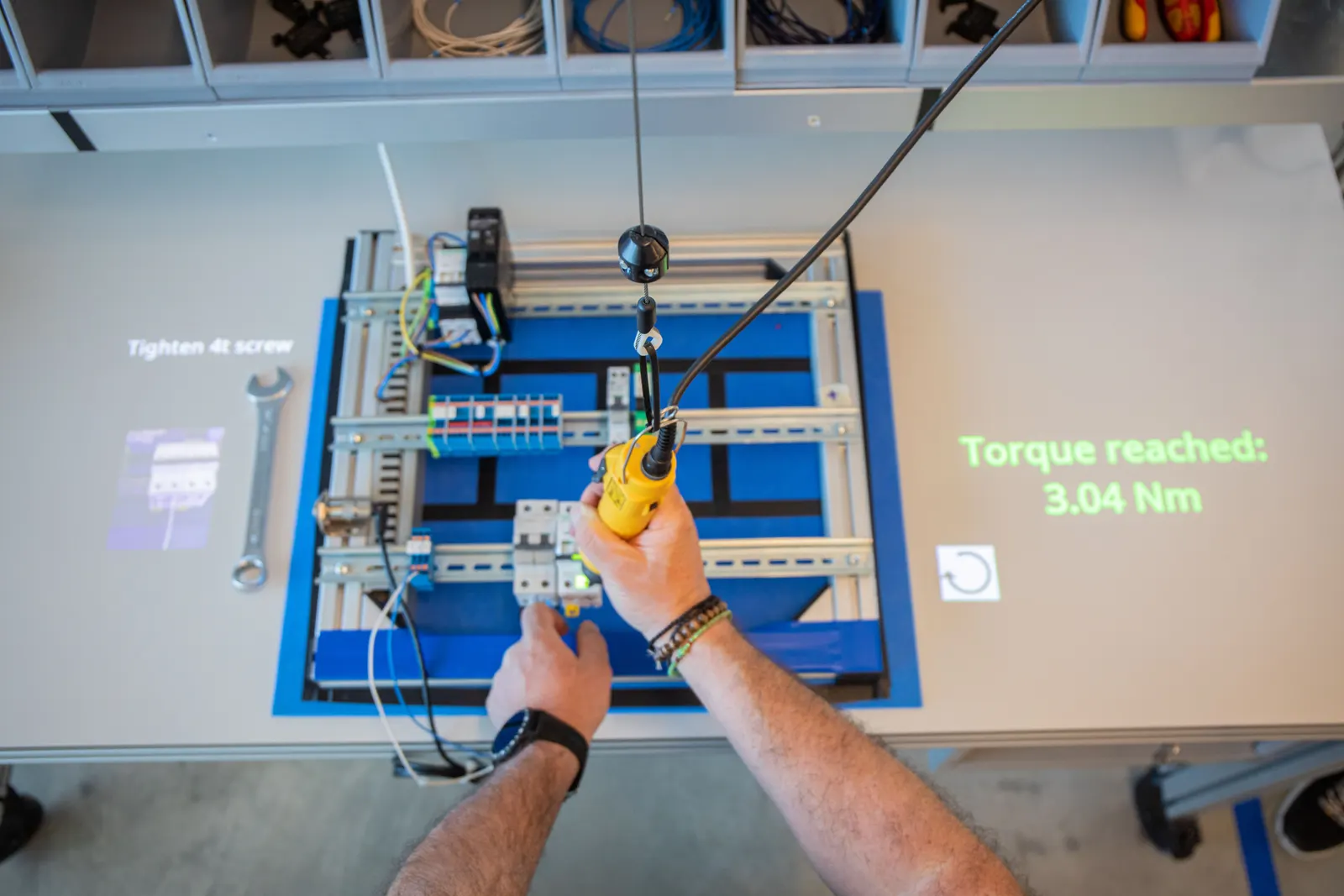
Every step, check and torque value on record.
Evidence available without searching paper.
The size of each effect depends on your process. It is measured on your own pilot workstation.
Projected instructions with operator confirmation by touch screen, virtual button, hardware button or foot pedal.
The 3D sensor verifies every pick and assembly action and its sequence. The workflow continues after a correct action and warns the operator on an error.
A Vision sensor inspects the product during assembly, before the next step starts. AI detection algorithms give reliable, stable results, even when the sensor shifts slightly. They run locally and are included in the Arkite VISION license.
No. Mixed-license environments are supported, so Arkite VISION can be used on the stations where presence, orientation or position is critical, and Arkite GUIDE or Arkite VALIDATE elsewhere.
The workflow does not continue. The operator is shown the deviation on the workbench and follows the rework path defined for that result.
No. The AI detection algorithms of Arkite VISION run locally on the workstation and need no internet connection. They are included in the Arkite VISION license.
Arkite is deployed in aerospace, defense, automotive, medical device and general manufacturing. Version management with approval, per-unit traceability, audit logging and role-based access support compliance requirements.
We look at where defects originate in your process and which validation depth each station requires.
Your privacy choices
We use analytics to understand how the website is used and to measure the results of our campaigns on LinkedIn, Google, Microsoft and Meta. Statistics and conversions run through our own server. To show our ads to earlier visitors, tags from Google, Microsoft and LinkedIn are loaded in your browser. Embedded calendars, webinar forms and videos come from their providers and may set their own cookies. See our privacy notice.